Start from the task
Four content types use dedicated forms. WhatsApp includes a country and dialing-code selector, with local-number conversion and validation.
A free QR code generator that connects style with readability. Create a website, WhatsApp, Wi-Fi or contact code, customize it and check the rendered result before exporting.
Product direction, UX and MVP development
Create an attractive, readable QR code
Public MVP · Ongoing validation
Business cards, menus, posters and packaging need a clear path to the next action. A QR code can open a website, start a WhatsApp chat, share a Wi-Fi network or add a contact.
Customization adds another concern: changing colors, patterns and logos can affect readability. The product brings creation, styling and a scan check into a single workflow.
Four content types use dedicated forms. WhatsApp includes a country and dialing-code selector, with local-number conversion and validation.
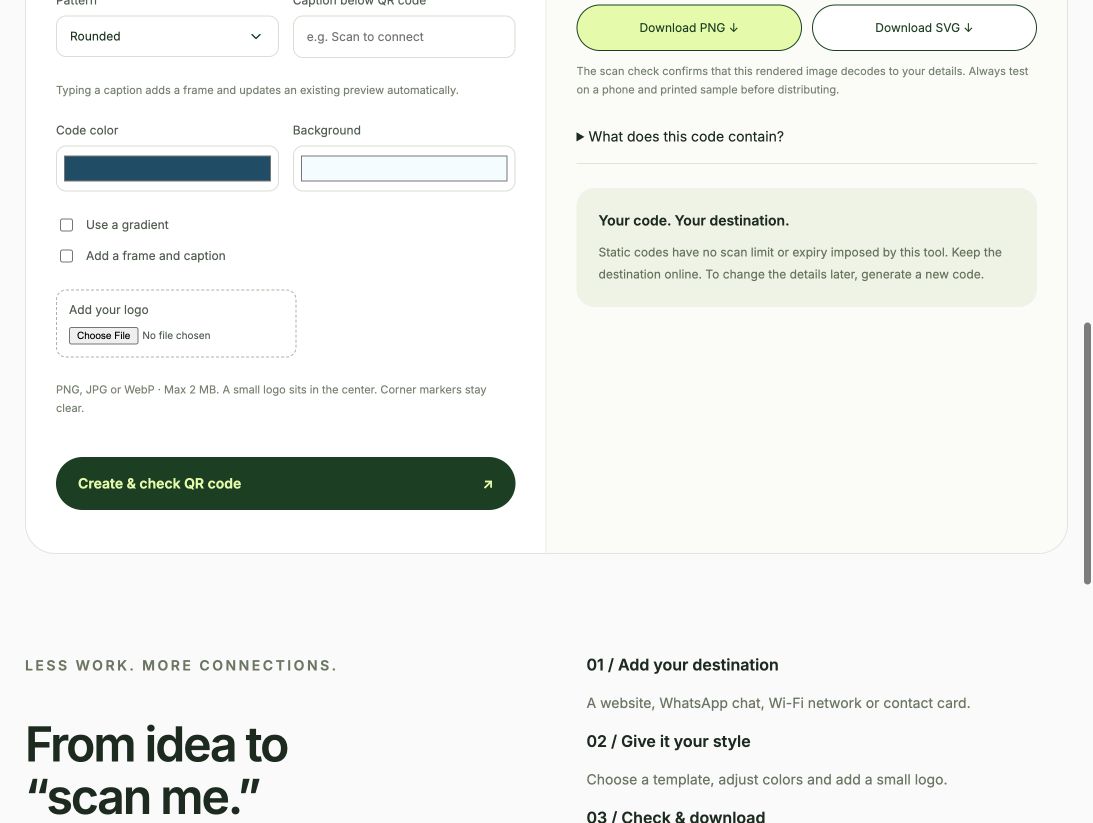
Six templates, three patterns, colors, gradients, a small logo and caption frames update an existing preview automatically.
The rendered code is decoded and compared with the entered details. Failed checks disable exports and explain the reason.
Static codes embed the details directly, with no managed redirect or expiry imposed by this tool. Encoding and logo processing happen in the browser.
Choose the action, enter the details and create the first preview. Style changes then update the result and rerun its scan check. Download PNG for everyday use or SVG for scalable artwork.
The code has a clear quiet zone, preserved corner markers and timing lines. A contrast check prevents exports with unsafe color combinations.
Coverage included all four content types across all six templates, country-code handling, Unicode contacts, escaped Wi-Fi details, live style edits, gradients, frames, logos, invalid inputs and stale-export blocking.
The exported PNG was independently decoded back to its payload. SVG output was inspected for its caption and embedded assets.
These are controlled browser tests, not customer adoption results. Phone cameras, printed samples and other browser engines remain part of ongoing validation. A successful digital scan check cannot guarantee every printing condition.
The MVP creates static codes. Changing the destination after printing requires a new code; hosted redirects and scan analytics are outside this version.
Next, learn which content types and styles people use most, test printed samples and improve the experience through real feedback. Wi-Fi credentials and contact details are encoded in the downloaded code, so users should share them with the intended audience.
Create your QR code ↗